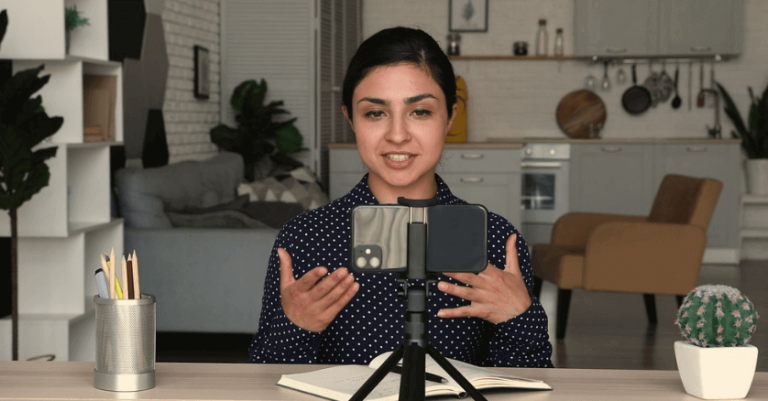
How Image and Video Background Editing Fit Into Visual Workflows
This post contains affiliate links. Click here to read my affiliate policy.
Last Updated on March 4, 2026
Have you ever taken a great photo of a recipe or recorded a helpful video, but felt that the background did not quite fit the moment? The lighting might be good and the subject might look great, yet something in the background pulls attention away from what you want readers to see.
This situation is common for bloggers and content creators who work with visual content every day. From recipe photos and tutorial images to social media videos, visuals help tell a story and guide readers through your content.
This is where image and video background editing becomes a helpful part of the creative process. By adjusting or cleaning up the background, creators can make sure the main subject stays clear and easy to understand. It is not about changing reality. It is about organizing visuals so the message of the content remains the focus.

Understanding Visual Workflows
A visual workflow is the step-by-step process used to create and refine images or videos. It usually starts with planning, then capturing content, followed by editing, reviewing, and finally publishing. Each step connects to the next in a smooth sequence.
In simple words, a workflow is like a routine. First you plan, then you shoot, then you edit, and then you share. Background editing fits naturally into the editing stage. It supports clarity and improves overall presentation.
Where Background Editing Fits In
After capturing an image or recording a video, creators often review the content. They check lighting, framing, and composition. During this stage, they may decide to adjust or clean the background to maintain focus on the subject.
For example, in product photography, background editing helps highlight the product clearly. In online teaching videos, adjusting the background can reduce distractions and create a calm viewing experience. Many creators use tools that allow them to remove background quickly and place the subject against a simple, clean setting.
This step becomes part of the regular workflow. It does not feel separate. It blends naturally into the editing process.
Some common reasons creators edit backgrounds include:
• Keeping the viewer’s attention on the main subject
• Creating a consistent visual theme
• Matching brand or project style
• Improving overall presentation quality
These reasons show how background editing supports the overall goal of clear communication.
Background Editing In Image Production
Images are often used in marketing, education, design, and social media. In all these areas, clarity matters. A clean background helps the main object stand out.
Supporting Product And Portrait Photography
In product photography, background editing helps create uniformity. When multiple products are displayed together, a consistent background creates a professional look. This is especially useful for online stores, where clear visuals build trust.
In portrait photography, adjusting the background can highlight facial expressions and body language. Sometimes, the original background may have extra objects or colors that reduce focus. Editing allows photographers to create a balanced composition.
Many digital tools make it simple to [remove background] and place the subject onto a new backdrop. This allows creative flexibility while maintaining clarity.
Background editing also supports creative storytelling. Designers may place subjects in artistic or thematic settings that align with the message. This process adds visual harmony.
Background Editing In Video Production
Video workflows are slightly more detailed because they involve movement and audio. However, background editing remains an important part of the process.
Creating Professional Video Content
In video production, creators often record content in controlled environments. Even so, small adjustments may improve the visual flow. For example, adding a clean virtual background in an educational video keeps attention on the speaker.
Video background editing can also support creative scenes. Filmmakers may combine real footage with digital backgrounds to build immersive visuals. This technique is common in documentaries, tutorials, and promotional videos.
During the editing stage, creators check color balance, sound clarity, and background alignment. Background editing becomes one of the final touches that complete the visual story.
The goal is always clarity and visual harmony. When the background complements the subject, the entire video feels balanced.
Background Editing For Lifestyle Bloggers And Content Creators
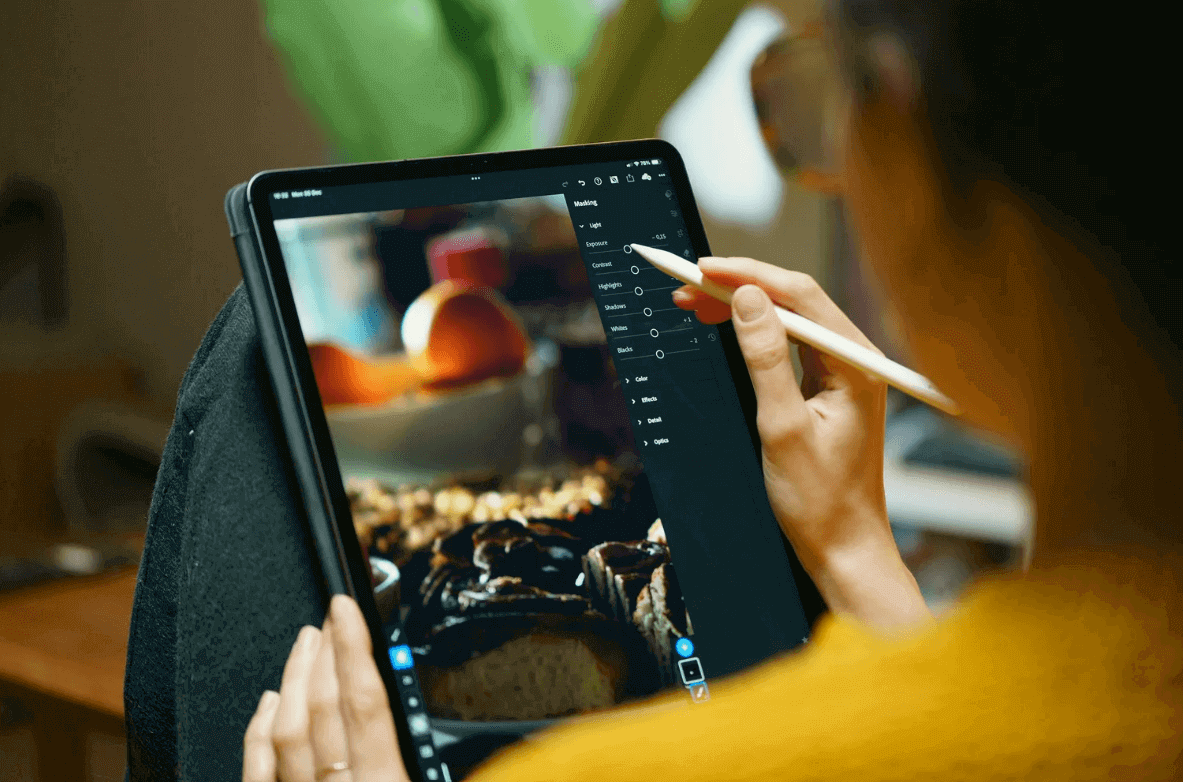
Lifestyle bloggers and recipe creators often rely heavily on visuals to communicate their ideas. A clear and appealing image can make a recipe more inviting or help a tutorial feel easier to follow. Because of this, background editing can play a useful role in everyday blogging workflows.
For example, food bloggers often photograph meals in home kitchens, where lighting and surroundings may change throughout the day. A background may include extra objects, shadows, or colors that pull attention away from the dish. Small background adjustments can help keep the focus on the food itself.
Background editing can also support consistency across a blog or social media feed. When images share a similar background style, readers begin to recognize the visual identity of the creator. This is especially helpful for platforms like Pinterest and Instagram where visual presentation strongly influences engagement.
Lifestyle creators may also use background editing when preparing step-by-step tutorial images. A clean background helps readers clearly see ingredients, tools, or actions without unnecessary distractions.
Some practical ways bloggers use background editing include:
• Cleaning up cluttered kitchen counters in recipe photos
• Creating a consistent background style for blog images
• Improving focus on ingredients in tutorial photos
• Preparing polished images for Pinterest or social media sharing
When used thoughtfully, background editing helps lifestyle bloggers present their content in a clear and professional way. It supports the story behind the image while keeping the main subject easy for readers to understand.
Benefits Of Integrating Background Editing Into Workflows
Background editing works best when it is integrated smoothly into the regular creative process. Instead of treating it as an extra task, creators include it as a natural step.
Saving Time And Maintaining Consistency
When background editing tools are part of the workflow, the process becomes structured. Creators know that after capturing content, they will review and adjust the background if needed.
This structured approach supports:
• Faster editing decisions
• Consistent visual style
• Clear focus on key elements
Consistency is especially important for businesses and content creators who publish regularly. A uniform look builds recognition and trust.
Background editing also allows flexibility. If the original setting does not match the final theme, adjustments can be made without reshooting the content. This supports efficiency and creative freedom.
Human Logic Behind Background Editing
At a basic level, background editing follows simple human logic. When we look at something, our eyes naturally focus on what stands out. If the background is busy, our attention moves in many directions. If the background is calm, our focus stays where it should.
Supporting Clear Communication
Clear communication is the main goal of visual content. Background editing supports this goal by reducing distractions. It helps viewers understand the message quickly.
In daily life, when someone explains something important, we try to remove distractions around us. We sit in a quiet place, we keep things simple. Background editing does the same thing visually. It creates a clean space for the subject to speak.
This approach does not change the message. It supports the message.
Creative Flexibility In Modern Design
Modern visual design values both creativity and clarity. Background editing allows designers to experiment with colors, themes, and layouts.
Blending Creativity With Structure
A creator may place a product on a white background for clarity. Another project may require a colorful, thematic backdrop. Background editing provides the flexibility to adjust without changing the original subject.
This flexibility fits naturally into design workflows. It supports planning, editing, reviewing, and publishing in a smooth sequence.
As visual platforms continue to grow, background editing remains a helpful step in maintaining quality. It supports clear branding, focused storytelling, and professional presentation.
Conclusion
Image and video background editing plays a practical role in modern visual workflows. It helps creators present their ideas clearly while keeping the focus on the most important part of the image or video.
For bloggers, recipe creators, and lifestyle content producers, visuals often shape how readers experience the content. A clean and thoughtful background can help highlight a finished dish, guide viewers through a tutorial, or create a consistent visual style across a blog and social media.
By including background editing as part of the editing process, creators can improve clarity, maintain visual consistency, and present their work in a polished way. In everyday blogging and content creation, small adjustments to the background can make a meaningful difference in how visuals communicate the story behind the content.