Best Family Safety Apps for Parents in 2026
This post contains affiliate links. Click here to read my affiliate policy.
Last Updated on May 4, 2026
Most parents don’t realize how fast the threat environment changes until their kid is already in it. The best family safety apps have to keep pace with new platforms, sneaky workarounds like VPNs, and the constant tension between keeping kids safe and giving them room to grow. After reviewing dozens of tools across app stores, forums, and parenting communities, the standout options were narrowed to a short list based on real-world performance, not marketing claims. This guide covers five of the strongest picks for 2026.
The research approach for this ranking started with pulling data directly from review platforms, app store ratings, official product pages, and parenting-focused forums. Every option that made the list had to show a consistent track record in the family safety space, not just a polished website. Unverified claims and low-evidence tools were filtered out early.-> See the full research breakdown
- iSharing – Best for family location sharing and real-time parental monitoring
- Scannero – Best for phone location tracking for family safety monitoring
- mSpy – Best for family parental monitoring and multi-device surveillance
- iMyFone – Best for iPhone and Android device data recovery and system repair
- AirDroid – Best for enterprise mobile device management and remote monitoring across Android and Windows endpoints
Why Family Safety Apps Matter to Parents
Picking the wrong family safety app doesn’t just waste money. It leaves real gaps in how well parents can protect their kids day to day.
Children’s online environments shift fast. New apps launch, old ones get repurposed, and tech-savvy kids figure out workarounds faster than most adults expect. A well-chosen app handles that pressure because it’s built to track those shifts.
There’s also the harder balance to get right: keeping kids safe without treating them like suspects. The best tools give parents real-time location accuracy and meaningful content filtering without turning the home into a surveillance state.
What separates strong apps from weak ones often comes down to how many devices and platforms they cover under a single subscription, how quickly alerts reach a parent’s dashboard, and what percentage of harmful content they actually block. Get those things right, and the rest tends to follow.
Top 5 Family Safety Apps: Breakdown and Comparison
Note: All data in this table is sourced from review platforms and the official websites of the listed companies.
| Company Name | Years Operating | Headquartered In |
| iSharing | Est. 2010 | Irvine, CA |
| Scannero | Est. 2022 | Geri, Cyprus |
| mSpy | Est. 2010 | Not disclosed |
| iMyFone | Est. 2015 | Shenzhen, China |
| AirDroid | Est. 2011 | Singapore |
- iSharing – Best for Family Location Sharing and Real-Time Parental Monitoring
What Does iSharing Do?
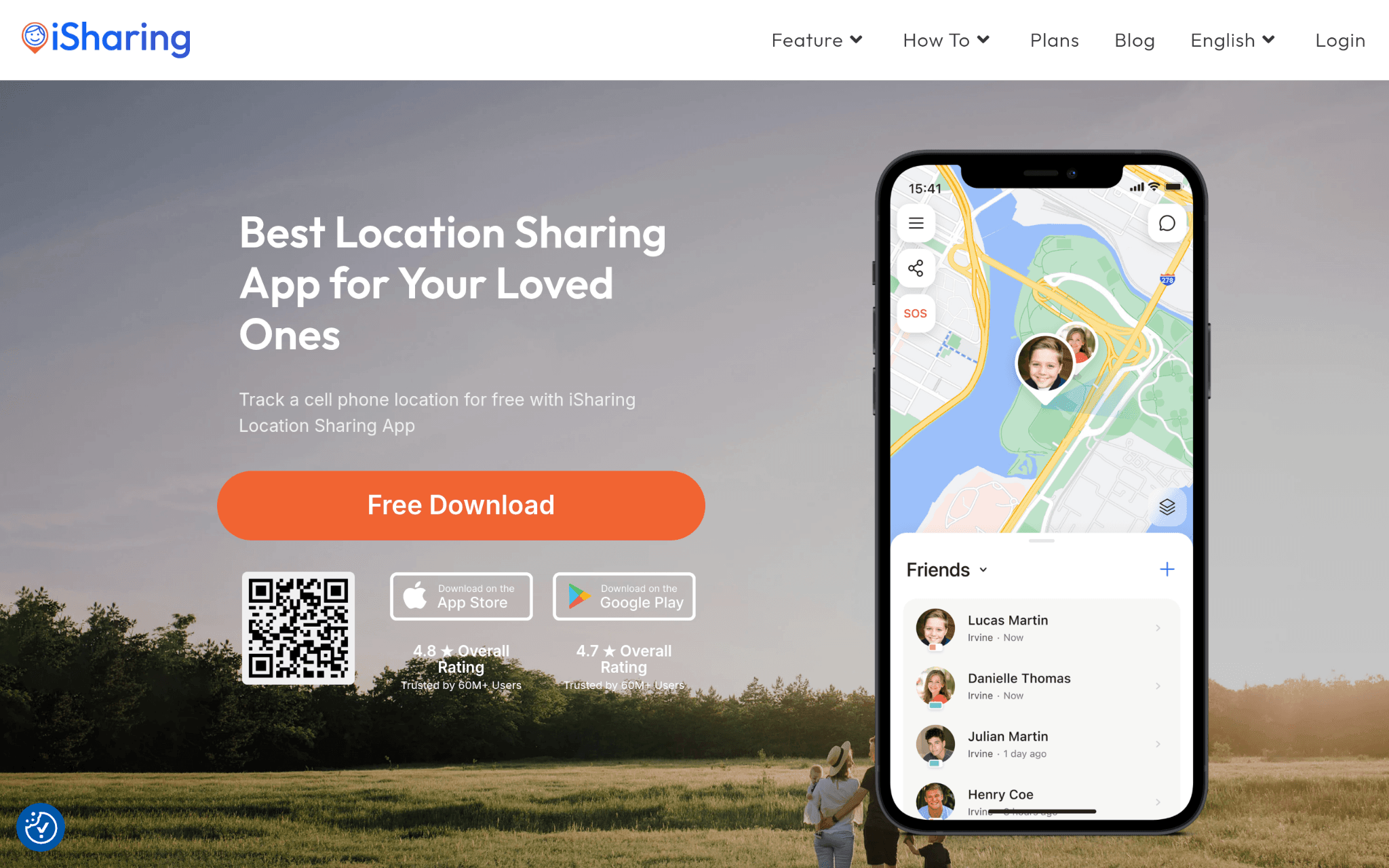
Founded in 2010 and based in Irvine, CA, iSharing is a real-time location sharing app built around family safety and connected communication. As a free location tracking app, it gives parents access to live GPS location updates, place alerts, location history, panic alerts, and driving behavior reports, all inside a clean, easy-to-use dashboard. With over 50 million downloads globally and a 4.60 rating from more than 224,000 reviews, the numbers reflect genuine long-term user satisfaction, not a short-term spike.
Why iSharing Stands Out for Family Safety Apps:
Parents who need location awareness without paying premium prices will find iSharing sits in a category of its own, offering monitoring tools at an accessible price point that competitors rarely match. The combination of organic growth, high review volume, and consistent ratings points to a product that earns repeat trust rather than just first-time downloads.
Summary of Real User Reviews:
The reviews paint a consistent picture: parents appreciate how fast the location updates appear and how little setup the app requires. Affordability gets mentioned almost as often as accuracy, which is telling. A 16 percent year-over-year download growth doesn’t happen without a product that keeps delivering.
- Scannero – Best for Phone Location Tracking for Family Safety Monitoring
What Does Scannero Do?
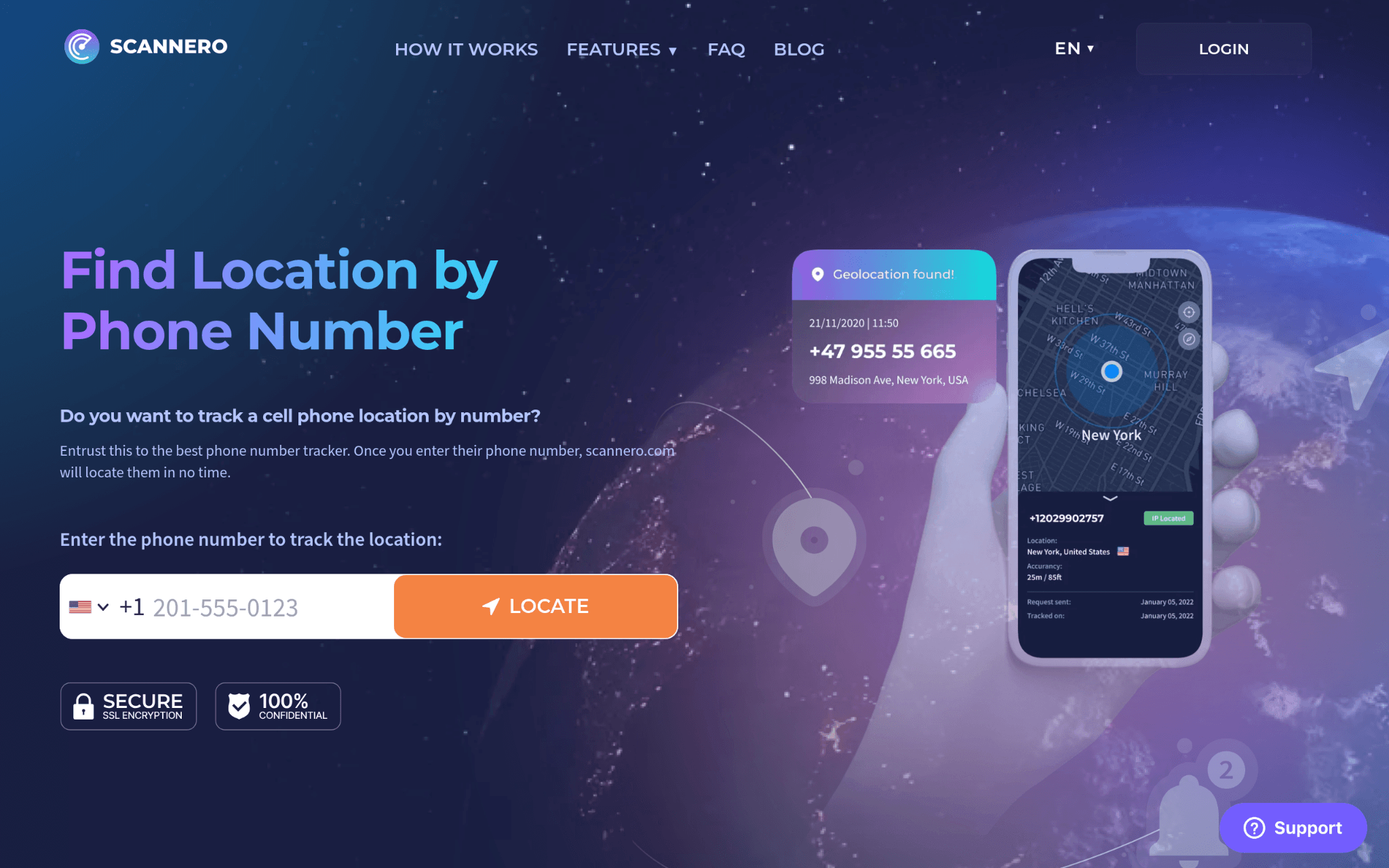
Scannero takes a stripped-down approach to phone location tracking. The service works using only a phone number, with no app installation required on the target device, which is its biggest differentiator. Launched in 2022 and operating out of Cyprus, it targets users who need a fast, low-friction way to check on someone’s location. Pricing runs $0.89 for a 24-hour trial and $49.80 for monthly access (not cheap for what it offers at that tier).
Why Scannero Stands Out for Family Safety Apps:
The no-install requirement solves a real friction point for parents who can’t or don’t want to touch their child’s device directly. That said, the approach works best in narrow use cases and doesn’t replace a full-featured parental control app with content filtering, screen time controls, or multi-device support.
Summary of Real User Reviews:
Honestly, the Trustpilot score tells a complicated story. A 2.2 out of 5 from 574 reviews signals that the real-world experience doesn’t consistently match the pitch. Reliability and service quality concerns show up repeatedly in the feedback, which is worth factoring in before committing, especially at monthly pricing that approaches premium territory.
- mSpy – Best for Family Parental Monitoring and Multi-Device Surveillance
What Does mSpy Do?
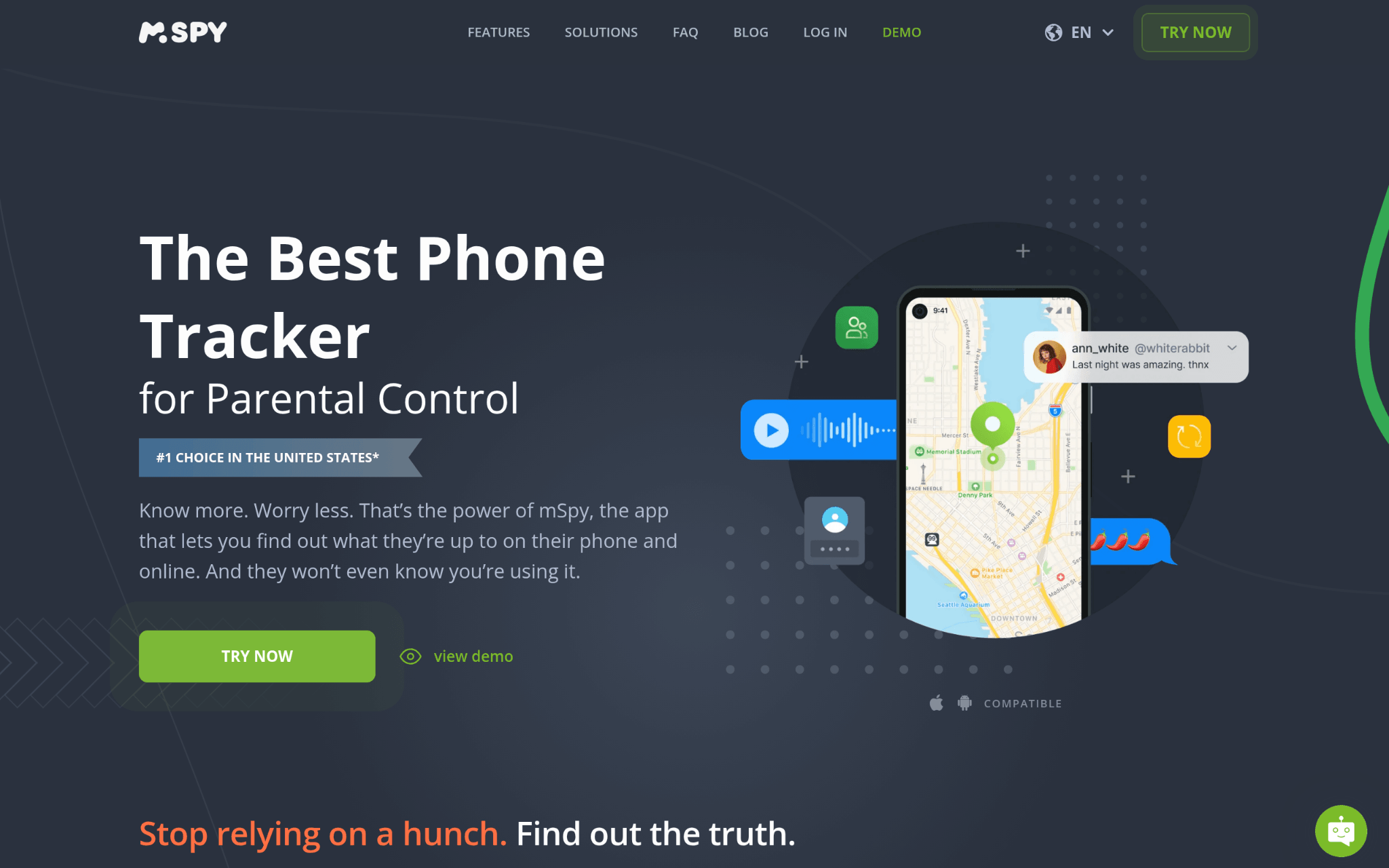
mSpy has been in the parental monitoring space since 2010, and the platform shows it. It covers iOS, Android, Windows, and macOS from a single dashboard, giving parents access to SMS messages, browser history, call logs, GPS location, geofencing alerts, and app usage. The standout capability is reading messages inside encrypted apps like WhatsApp, Snapchat, Telegram, and Instagram, which most competing tools simply can’t do. A family kit subscription supports up to three devices at once (think mid-range pricing for that tier).
Why mSpy Stands Out for Family Safety Apps:
Encrypted messaging apps are where a lot of serious online risks actually happen. So having visibility into those conversations puts mSpy in a different class from surface-level monitoring tools. That kind of depth is rare and genuinely useful for parents dealing with real safety concerns.
Summary of Real User Reviews:
The platform has earned industry certifications and serves customers across more than 100 countries, which builds trust. That said, the data security history gives some parents pause, including breaches in 2015 and 2018 and a 2024 Zendesk issue. That’s a real consideration, not just a footnote, especially for a tool handling sensitive family data.
- iMyFone – Best for iPhone and Android Device Data Recovery and System Repair
What Does iMyFone Do?
iMyFone is a broad-scope technology company founded in 2015, operating out of Shenzhen, China, with a team of 400-plus people. The focus sits squarely on mobile device utilities: data recovery, system repair, device unlocking, and personal data management. Products like D-Back for iPhone recovery and LockWiper for device unlocking serve 65 million users across 200-plus countries. It’s not a parental control app in the traditional sense, but parents dealing with a crashed or locked child’s device will find real utility here.
Why iMyFone Stands Out for Family Safety Apps:
Device recovery and repair tools fill a gap that pure parental control software typically ignores, particularly when a child’s device fails and family data needs to be retrieved. The 30-day money-back guarantee and 100% security commitment add a layer of confidence that matters when you’re handling personal family data.
Summary of Real User Reviews:
Recognition from over 120 media outlets, including Engadget’s specific call-out of D-Back as a top iPhone recovery tool, reflects a product line that has held up under external scrutiny. Users tend to trust the recovery tools, especially with satisfaction driven by the breadth of what each product can retrieve.
- AirDroid – Best for Remote Monitoring and Device Management
What Does AirDroid Do?
AirDroid started in 2011 as a file transfer and screen-casting tool before Sand Studio built it into a full mobile device management platform. The AirDroid Parental Control product sits inside a larger ecosystem that also covers business-grade MDM, remote support, and device monitoring across Android and Windows endpoints in more than 100 countries. The proprietary Black Screen Mode feature (a first in the MDM space) lets parents or IT teams monitor devices without the screen lighting up, which adds a layer of discreet oversight.
Why AirDroid Stands Out for Family Safety Apps:
The fact that AirDroid covers everything from retail kiosks to school tablets shows how battle-tested the underlying technology is. That experience carries over into the parental control side of the product. A 4.9-star aggregate rating, including a perfect score on Capterra, indicates that the quality holds across diverse use cases.
Summary of Real User Reviews:
BBC, CNET, and Capterra have all given AirDroid positive coverage, which is a meaningful signal when evaluating a platform at this level. Customer support responsiveness is consistently highlighted in the reviews, and in a space where parents often deal with urgent situations, that kind of reliability is hard to overstate.
Research Methodology and Selection Process
The goal of this research was to identify which family safety apps actually deliver on their promises, not just which ones have the biggest marketing footprint.
Initial Data Collection
The starting point was building a broad list of apps and platforms that appear across parenting forums, app store searches, child safety directories, and review aggregators. Review platforms like Trustpilot, Capterra, and G2 were pulled alongside official product pages to get a full picture of what each tool claims and what users actually report. That initial list ran long before filtering began.
Shortlisting Phase
Any tool that lacked sufficient public review data was removed early. The pattern of reviews mattered as much as the average score. A handful of glowing testimonials with no critical feedback is actually a warning sign, not a green light. Options with meaningful review volume and consistent feedback patterns were carried forward, while anything with thin or suspicious review profiles was cut.
Verification of Claims
Product pages were cross-checked against what real users described in independent reviews. Where a company claimed specific features like real-time GPS accuracy or encrypted app monitoring, those claims were checked against user experiences to see if the delivery matched the promise. Gaps between marketing language and real-world results were noted and factored into the final assessment.
Authority and Industry Contribution Layer
Industry certifications, media mentions, and awards were treated as supporting evidence rather than direct proof. Recognition from outlets like CNET, BBC, and Engadget, plus certifications like the kidSAFE Certified Seal, adds weight to a company’s standing. But a press mention alone doesn’t qualify a tool. It has to show up in real user outcomes too.
Family Safety Apps: Specific Evidence
Each tool was evaluated for how well it addresses the actual challenges families face: content filtering accuracy, location tracking reliability, multi-device support, alert speed, and how well the app balances monitoring with age-appropriate privacy. Tools that do well at general mobile management but lack dedicated parental control thinking were assessed differently from tools built for family use from day one.
How to Choose the Right Family Safety Apps
Start by being clear on what problem you’re actually trying to solve. A location-focused app works well for younger kids, but a teen who uses encrypted messaging apps needs a different kind of oversight.
Here’s what to look at before committing:
- Industry and Domain Experience: Look for tools built for family safety, not general-purpose apps that added parental controls as an afterthought. Purpose-built tools tend to go deeper into the features that matter most.
- Features and Service Offerings: Check whether the app covers the devices and platforms your child actually uses. Screen time controls, content filtering, location tracking, and app monitoring should all be on the checklist.
- Pricing Structure: Monthly plans vary widely. Some tools are priced per device, others offer family bundles. Factor in whether a free tier gives enough protection or if the paid plan is where the real features live.
- Results Measurement: Look for apps that show you what’s being blocked, flagged, or monitored. Dashboards with clear reporting make it easier to stay informed without hovering.
- Industry Knowledge and Compliance: COPPA and GDPR-K compliance matters when a tool is collecting data about children. Check the privacy policy before trusting any app with your family’s information.
Bottom Line
Choosing a family safety app comes down to matching the right tool to your child’s actual digital environment. Location tracking alone isn’t enough for a teenager, and a full surveillance suite is overkill for a seven-year-old. The strongest apps in this list balance real-time monitoring with genuine usability. As kids grow older and online threats keep shifting, the apps that update their features regularly will be the ones worth staying with long term.